
What happens after a suspicious sign-in alert depends on what the monitoring team can verify, what actions it is authorized to take, and how your business has agreed to handle after-hours escalation. An alert is a reason to investigate, not automatic proof that someone accessed an account or business data without permission.
For a small business without an in-house security team, it helps to know the path from alert to action before an unexpected call arrives. A clear plan sets expectations about what the provider checks, who it contacts, and which steps it can take while waiting for a decision-maker.
First, understand what the alert is saying
A sign-in alert can refer to different events. It may be an unsuccessful attempt, a successful sign-in from an unusual context, or a sign-in that becomes concerning when considered alongside other activity. Those situations call for investigation, but they do not all mean an account has been taken over.
A provider may review details such as the account involved, whether the sign-in succeeded, the time and source of the activity, device information, authentication results, and other nearby account events. The available information depends on the systems your business uses and the security tools connected to them. Microsoft’s guidance on security operations for user accounts describes account signals that can help teams investigate unusual activity.
The team may also try to verify the activity with the employee or manager who uses the account. For example, a legitimate employee may be traveling or using a new device. A familiar explanation can help resolve an alert, but the provider should still assess the available evidence rather than assume the sign-in is safe.
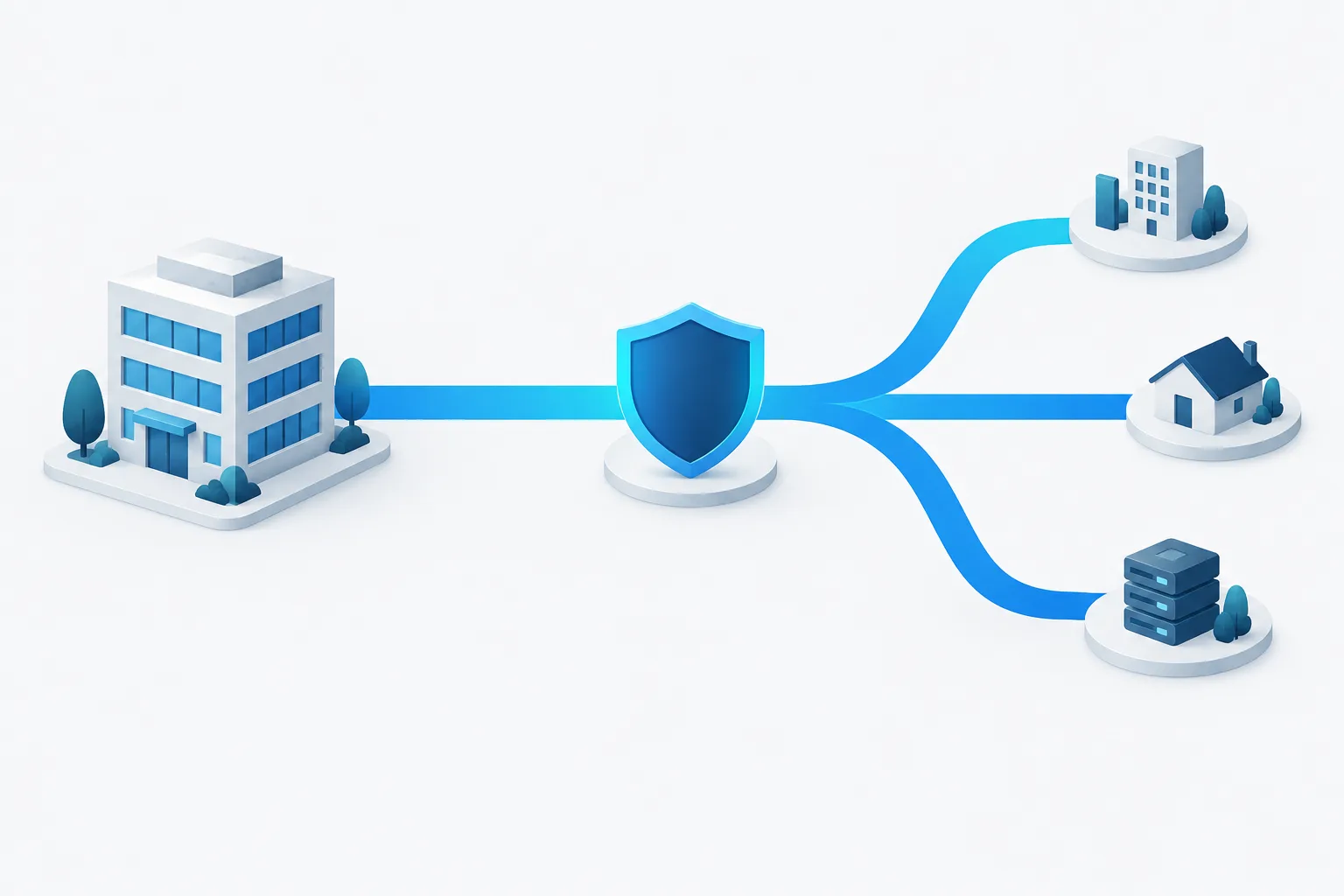
From alert to action: what the process may look like
There is no single response sequence that every provider follows. The order and pace depend on the alert, the tools in place, and the service agreement. A practical process generally moves through several stages:
- Review the signal. The monitoring team checks the alert details and related activity to understand whether it looks like a failed attempt, a successful sign-in that needs review, or a broader pattern.
- Assess the risk. The team considers what is known, what remains uncertain, and whether there are signs of additional suspicious activity. An alert alone is not the same as confirmation of unauthorized access.
- Contain if needed and authorized. Depending on the agreed response plan, the provider may be able to take steps such as blocking an account’s access or revoking active sessions. These actions can disrupt work, so the provider’s authority and the conditions for using it should be agreed in advance.
- Escalate and communicate. The provider contacts the appropriate person, shares what is known, explains any action already taken, and identifies decisions that need the business’s input.
- Follow up. After the immediate concern is handled, the provider should explain the outcome, any remaining risks, and any recommended next steps. Broader incident handling can include documenting what happened and reviewing how to reduce the chance of a repeat event. The NIST incident response recommendations offer general guidance on organizing incident response.
The key point is that a provider may monitor and investigate, but the scope of its response is not automatic. Confirm what is included and what requires your approval.
Who may be contacted after hours?
Your provider should use an escalation path set up with your business. That might start with a designated business owner or decision-maker, then move to a backup contact if the first person does not respond. Depending on the event and your arrangements, the provider may also coordinate with your IT support or another person responsible for the affected system.
Ask what the provider will do if no one answers. It might continue investigating, take only pre-approved containment actions, or wait for authorization before doing anything that could interrupt access. The right approach depends on your business and the agreement. Do not assume a provider can disable accounts or make other disruptive changes unless you have confirmed that authority.
What a useful alert update should include
When you are contacted, you need enough information to understand the situation and make a decision without being overwhelmed by technical detail. A useful update should explain:
- Which account is involved and when the activity occurred.
- Whether the sign-in appears to have succeeded and what context made it concerning.
- What the provider has checked and what is confirmed versus still uncertain.
- Whether the provider has already taken action, and what that action changes for the employee.
- What decision or information the provider needs from you.
- How the provider will share the next update.
If the sign-in may belong to an employee, contact that person using a trusted method, such as a known phone number, rather than relying only on the account under investigation. Tell the provider what you learn so it can compare the explanation with the activity. Avoid asking the employee to dismiss an alert or approve a sign-in they do not recognize.
Prepare before an alert arrives
A short conversation with your provider can prevent confusion during an after-hours security alert. Review your plan with the people who may be contacted and make sure they know how to reach the provider through a trusted channel.
- Name a primary after-hours contact and a backup contact.
- Agree on which types of activity require immediate escalation.
- Write down which containment steps the provider may take without asking and which require approval.
- Decide who can authorize actions that may interrupt an employee’s access.
- Identify who handles employee communication and who can coordinate with IT support.
- Ask what happens if every contact is unavailable and how the provider will document that situation.
An incident response plan for a small company can capture these roles and decisions. If you want a clearer picture of how monitoring fits into day-to-day protection, see this overview of 24/7 threat monitoring for small businesses.
Frequently asked questions
Does a suspicious sign-in mean the account was compromised?
No. It is a signal that needs investigation. A failed attempt, an unusual but legitimate sign-in, and confirmed unauthorized access are different situations. The provider should explain what evidence it has and what remains uncertain.
Can the provider lock an account or revoke sessions without asking?
That depends on the provider’s access and the response authority you agreed to in advance. Ask which actions can be taken immediately, under what conditions, and which require your approval.
What if no one at my business answers the alert?
The provider should follow the escalation process you agreed on, including contacting a backup if available. Ask in advance what it can do while waiting and how it records actions or decisions when no contact responds.
When should we notify customers or law enforcement?
A suspicious sign-in by itself does not establish that customer information was accessed or that notification is appropriate. If an investigation raises concerns about data exposure or other serious impact, coordinate with qualified legal or regulatory advisers about any obligations and next steps.
Make the after-hours plan clear
A suspicious sign-in alert is easier to handle when everyone knows who will investigate, who can authorize containment, and how updates will be shared. Review those details with your provider before an alert occurs. Zevonix provides fully managed, right-sized cybersecurity for small businesses, with 24/7 threat monitoring included with every plan. To discuss how an after-hours escalation process could fit your business, contact Zevonix.