
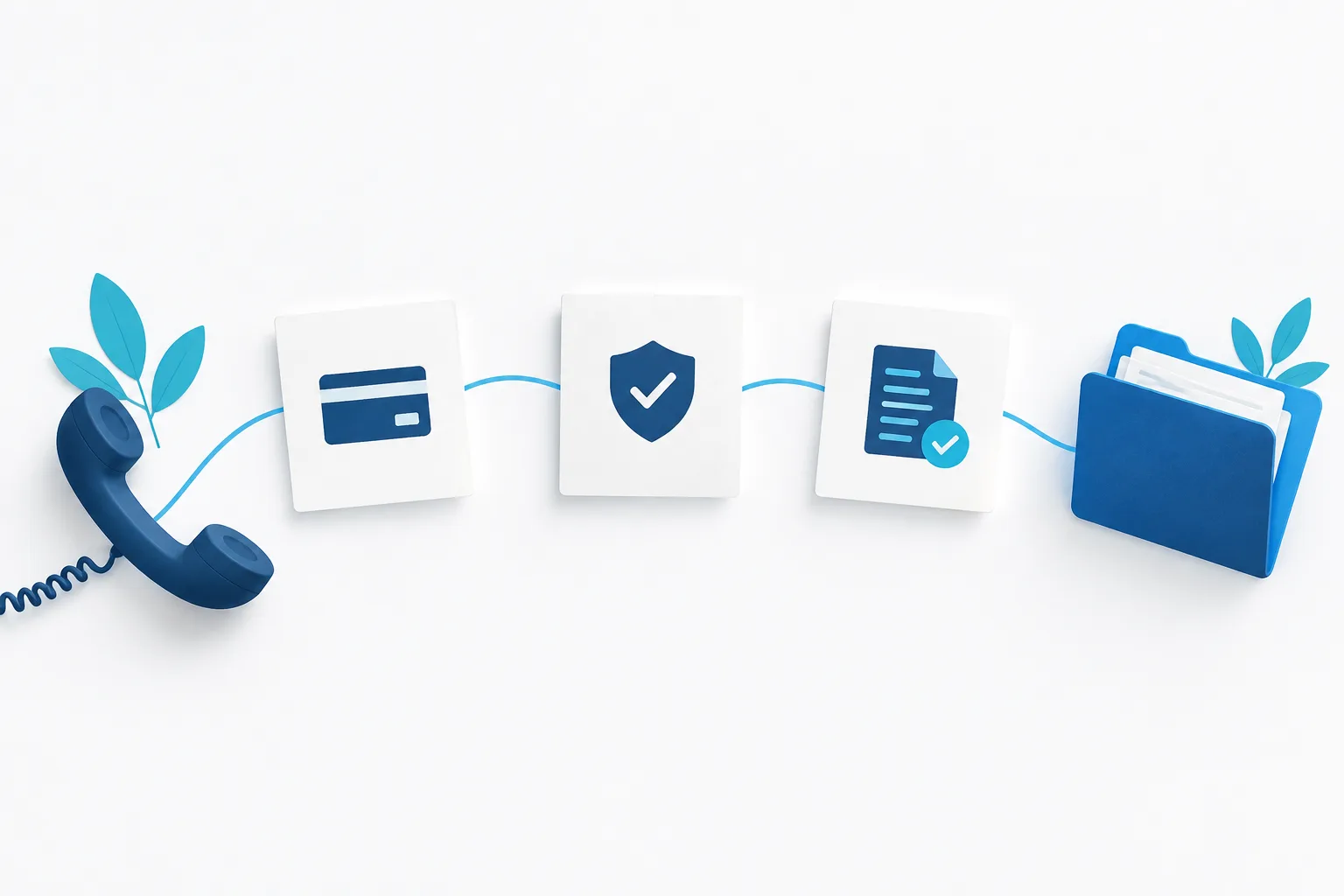
To verify a supplier bank details change, pause the affected payment, call an authorized contact using a phone number already in your records, confirm the exact instructions, and document approval before updating the supplier record. Do not rely on the email itself to prove the change is genuine.
A bank-detail request can arrive in a legitimate-looking email or an existing conversation. But a familiar sender address or thread is not independent confirmation: a supplier’s email account may have been compromised. The FBI’s Business Email Compromise guidance describes email-based schemes that can redirect business payments.
Pause the change and the payment
When a new account or payment instruction arrives, do not immediately edit the supplier record or release a payment to the new details. Mark the change as pending and hold any payment affected by it until verification is complete.
If the request claims there is an urgent deadline, treat that as a reason to move verification promptly, not to skip it. A rushed payment can be difficult to recover, so keep the normal verification rule in place even when the request sounds time-sensitive.
Verify the request outside the email conversation
Use a phone number your business already has on file, such as one from a previously verified supplier record or an established contract. Do not use a number supplied in the bank-change email, its attachment, or a reply in the same thread. If you cannot find an independently maintained number, use another trusted contact channel already established with the supplier to obtain it.
When you reach the supplier, ask for an authorized contact who can approve payment changes. Confirm more than the person’s identity. Read back the specific details you received and ask the contact to confirm that the supplier authorized those exact instructions.
- Confirm the supplier’s identity and the contact’s authority to approve payment changes.
- Confirm the account name and the new payment details using your approved process.
- Ask whether the change is permanent or applies only to a particular payment, if that distinction matters to your records.
- If anything does not match, end the verification and contact the supplier through a separate trusted channel.
Do not ask the supplier to send sensitive banking details through an insecure channel if your business has a safer approved method. Follow the process your organization uses for handling payment information.
Keep supplier identity separate from change approval
Reaching a real supplier contact is important, but it is not the whole check. Make sure the person is authorized to approve payment changes and that they confirm the exact new instructions. A known employee who cannot authorize the change should not be treated as final approval.
For a small team, keep the roles clear: one person verifies the request, another updates the supplier record, and a second person approves the change or payment when practical. If one person has to handle multiple steps, add a compensating check, such as having the owner review the verification notes before the record is changed. The goal is to make an unreviewed email insufficient to redirect funds.
Record what you verified before updating the record
Keep a short note with the supplier record or in your approved payment-change log. A consistent record makes it easier to see what was checked and who authorized the update.
- Date: When the verification took place.
- Number source: Where the callback number came from, such as an existing supplier record.
- Person reached: The contact’s name, role, and confirmation that they can approve the change.
- Confirmation: What exact instructions the contact confirmed, and whether any detail remains unresolved.
- Approval: Who approved the supplier-record update and, if applicable, the payment.
Update the payment record only after the required verification and approval are complete. If the contact cannot confirm the instructions, the details conflict, or you cannot establish the contact’s authority, leave the change pending and continue checking through a trusted route.
Use the same rule for urgent requests
An urgent invoice or payment deadline does not make an email-only change safe. Tell the supplier that your business verifies payment changes independently, then complete the callback before paying. If the request is genuine, a brief verification step helps protect both sides from a misdirected payment.
For a lightweight control, write down who can verify a change, who may edit supplier payment records, and who must approve the update. Revisit the process with staff who handle invoices and payments. For broader safeguards around suspicious messages, see Zevonix’s guidance on email phishing protection and its small-business IT risk management strategies.
Frequently asked questions
What phone number should I use to verify a supplier’s change?
Use a number already held in your independently maintained business records, such as a previously verified supplier record or contract. Do not use contact details included with the change request until you have confirmed them through a trusted source.
What if the email came from a familiar address or thread?
Still make the callback. A genuine supplier mailbox or an existing conversation may have been compromised, so the email thread is not independent proof. Confirm the change through a separate, trusted channel.
What should we do if we already sent payment to the wrong account?
Contact your bank or payment provider immediately and explain that the payment may have been redirected. Ask what steps are available to try to stop or recover it. Preserve the email and payment records, notify the supplier through a trusted contact method, and report the incident through the FBI’s IC3 Business Email Compromise page.
Who should approve a vendor bank-account change in a small business?
Set a rule that separates verification, record updates, and approval where your team can. If one person must perform more than one role, have another responsible person review the evidence and approve the change before payment details are used.
Make verification part of the payment routine
A simple rule can prevent an email from changing where your money goes: pause the payment, call a known number, confirm the exact instructions with an authorized contact, and record who approved the update. If you want help strengthening your business’s email and payment-fraud defenses, contact Zevonix at (904) 658-0777. Zevonix provides fully managed, right-sized cybersecurity for small businesses, including email security and 24/7 threat monitoring.