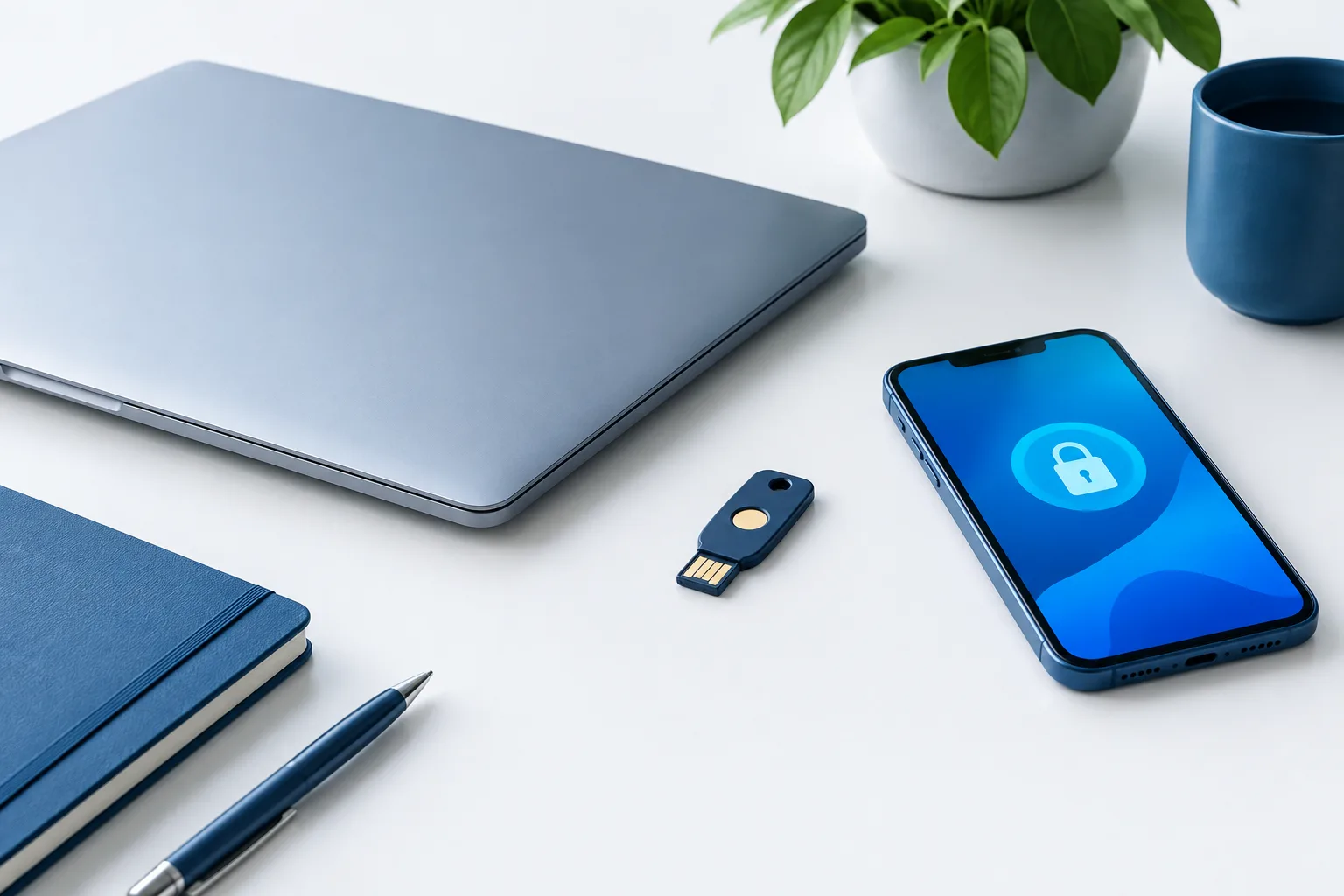
Multifactor authentication for small business accounts adds a check beyond a password when someone signs in. That extra step can help protect business email, payment tools, and other services if a password is stolen. The goal is not to add friction everywhere. It is to choose stronger sign-in methods for important accounts, make routine access straightforward, and plan for lost devices and unexpected prompts.
CISA recommends requiring MFA for business accounts and using phishing-resistant MFA where possible. A sensible rollout starts with the accounts that could create the greatest disruption if someone else gained access.
Start with the accounts that matter most
Make an inventory of the business services employees use, including services that may have been set up by a team or individual rather than through a central process. Include employee and contractor access, and note who has administrative privileges.
Enable MFA first for accounts that control valuable information, money, or access to other systems:
- Business email: Email can be used to reset passwords for other services and to impersonate the business. Protect email accounts used by staff and administrators.
- Financial and payment services: Protect banking, payment processing, payroll, and accounting accounts that support business transactions.
- Administrator accounts: Give extra attention to accounts that can change settings, add users, or manage access across a service.
- Remote access and cloud services: Protect tools employees use to reach business systems and files from outside the workplace.
Then enable MFA for every other account that supports it. Keep the inventory current as services are added, roles change, or contractors finish work. When access is no longer needed, remove it through the service’s account-management process.
Choose an MFA method that fits the risk
MFA methods are not equally resistant to phishing. A code or approval request may still be tricked, intercepted, or relayed by someone posing as a legitimate service. For higher-risk accounts, favor phishing-resistant options when the service supports them.
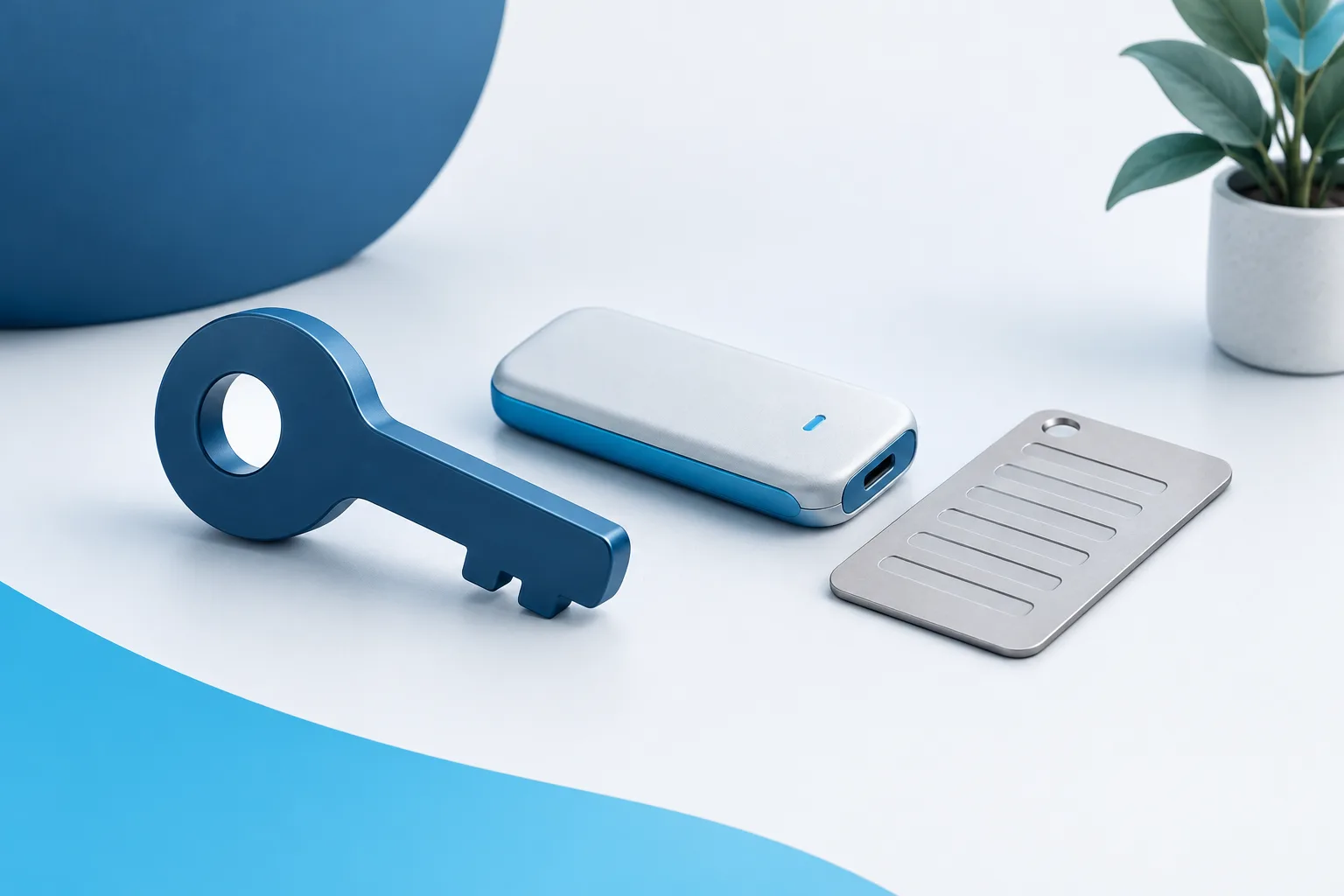
Passkeys and security keys: These can provide phishing-resistant sign-in when supported by the account and set up correctly. A passkey may be available through a user’s device, while a security key is a separate physical authenticator. They can be practical for administrators and other people with access to sensitive systems. Check which options each service supports, and provide a backup plan so a lost or unavailable device does not stop essential work.
Authenticator apps: An app can generate a sign-in code or receive an approval request. This is often a more workable option than relying on text messages, but codes and approval requests can still be vulnerable to phishing or deception. Teach employees to enter codes only on the service they intended to visit and to reject unexpected approval requests. NIST’s authenticator guidance describes different authenticator types and their security considerations.
Text-message codes: SMS may be available as a fallback or on services with limited choices. Prefer a stronger method for accounts with high impact, and do not assume that a password plus a text code is equally resistant to phishing as a passkey or security key.
Make the choice based on the account’s importance, the options the service provides, and what staff can use reliably. A strong method that employees cannot access when needed can lead to workarounds. Offer an approved alternative for employees who cannot use a particular device or method.
Make sign-ins easier without weakening protection
Repeated prompts can frustrate employees and make it easier to approve a request without thinking. Review sign-in settings so staff are not asked to complete unnecessary checks during routine work. Where available, consider centralized sign-in, trusted-device or session settings, and additional checks when someone tries a sensitive action or signs in under unusual circumstances.
Convenience settings should be deliberate. Do not turn off MFA or broadly trust devices just to reduce prompts. Have an administrator review what the service’s settings actually do, and explain to employees when they should expect a sign-in check.
Simple instructions help, too. Show staff how to enroll their chosen method, what a legitimate sign-in looks like, and where to get help if a device is unavailable. For more on building habits around suspicious messages and requests, see this guide to cybersecurity training for employees.
Plan for unexpected prompts and account recovery
An MFA prompt that an employee did not initiate is a warning, not an inconvenience to clear. Tell staff to deny it, avoid sharing codes, and report it through the business’s normal support channel. They should not approve a prompt because someone claiming to be a manager or support representative asks them to.
Recovery deserves the same care as everyday sign-in. Decide in advance how an employee can regain access after losing a phone or security key. Depending on the service, options may include a second registered authenticator, securely stored recovery codes, or a documented administrator process. Limit who can carry out recovery, verify the person requesting help through an appropriate separate channel, and avoid keeping recovery codes in a shared inbox or open document.
Review fallback methods as well as the primary method. A strong passkey setup offers less protection if account recovery relies on an unprotected email account or a weak method that anyone can request. Make sure an alternative authenticator is secured and available to the person who needs it, without creating an informal shared credential.
Include employees, contractors, and administrators
MFA coverage is a process, not a one-time switch. Assign someone to check which services support MFA, whether it is enabled for each account, and whether the selected method fits the account’s importance. Include contractors and temporary access in the same review, and update access when responsibilities change.
Administrators should use separate, protected access for management tasks where the service allows it. Keep the number of people with administrative privileges limited to those who need them, and make sure there is an approved recovery route if an administrator cannot sign in.
A broader account review can help uncover services that are easy to miss. The small-business cybersecurity checklist can help put account protection in context alongside other security basics.
Frequently asked questions
Is an authenticator app safer than a text-message code?
An authenticator app is often preferable to SMS, but the details depend on the method and the service. Neither app codes nor text codes should be treated as phishing-resistant. Use passkeys or security keys for higher-risk accounts when supported.
Are passkeys or security keys practical for a small business?
They can be practical for administrators and staff who use services that support them. Check device compatibility, provide a usable backup method, and give employees clear enrollment and recovery instructions.
What should an employee do after receiving an unexpected MFA request?
Deny the request, do not share a code, and report it to the business’s designated support contact. If the employee entered a password or code on a suspicious page, report that promptly as well.
What if an employee loses a phone or security key?
Use the recovery process established for that service. Verify the employee’s identity, use an approved backup factor or administrator process, and remove the missing authenticator from the account when appropriate.
Make MFA part of a workable security routine
Strong MFA depends on more than turning on a setting. Protect the accounts with the greatest impact first, choose phishing-resistant methods where practical, reduce needless prompts, and make recovery steps clear before anyone loses access. For help thinking through broader cybersecurity needs for a small business, contact Zevonix at (904) 658-0777.